 Nudes Remover
 en
en Русский
Sticker blacklist
Block every sticker from a specific pack outright, without waiting on the AI check.
Some sticker packs are entirely NSFW, or spam a group so often that checking each sticker individually is wasteful. Sticker pack blacklist deletes any sticker from a named pack immediately, before the AI classifier even runs.
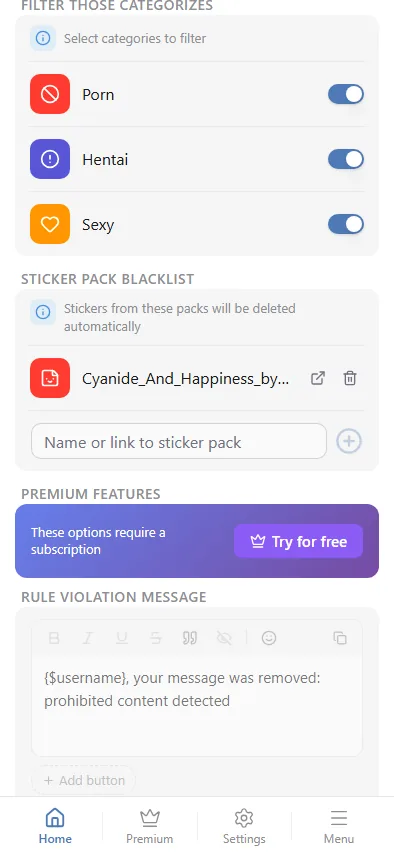
Adding a pack
Paste either the pack's short name or its t.me/addstickers/<name> link into the field and press add — a full link is parsed down to the pack name automatically. The pack is added to the list right away.
Removing a pack
Each pack in the list has an external-link icon (opens the pack in Telegram, so you can double-check it before removing it) and a delete icon; removing asks for confirmation first.
The blacklist is checked before the AI classifier runs, but it still needs the Stickers toggle under Media types turned on — that toggle decides whether a sticker reaches the moderation pipeline at all; the blacklist then decides whether it's removed by name instead of by content.